

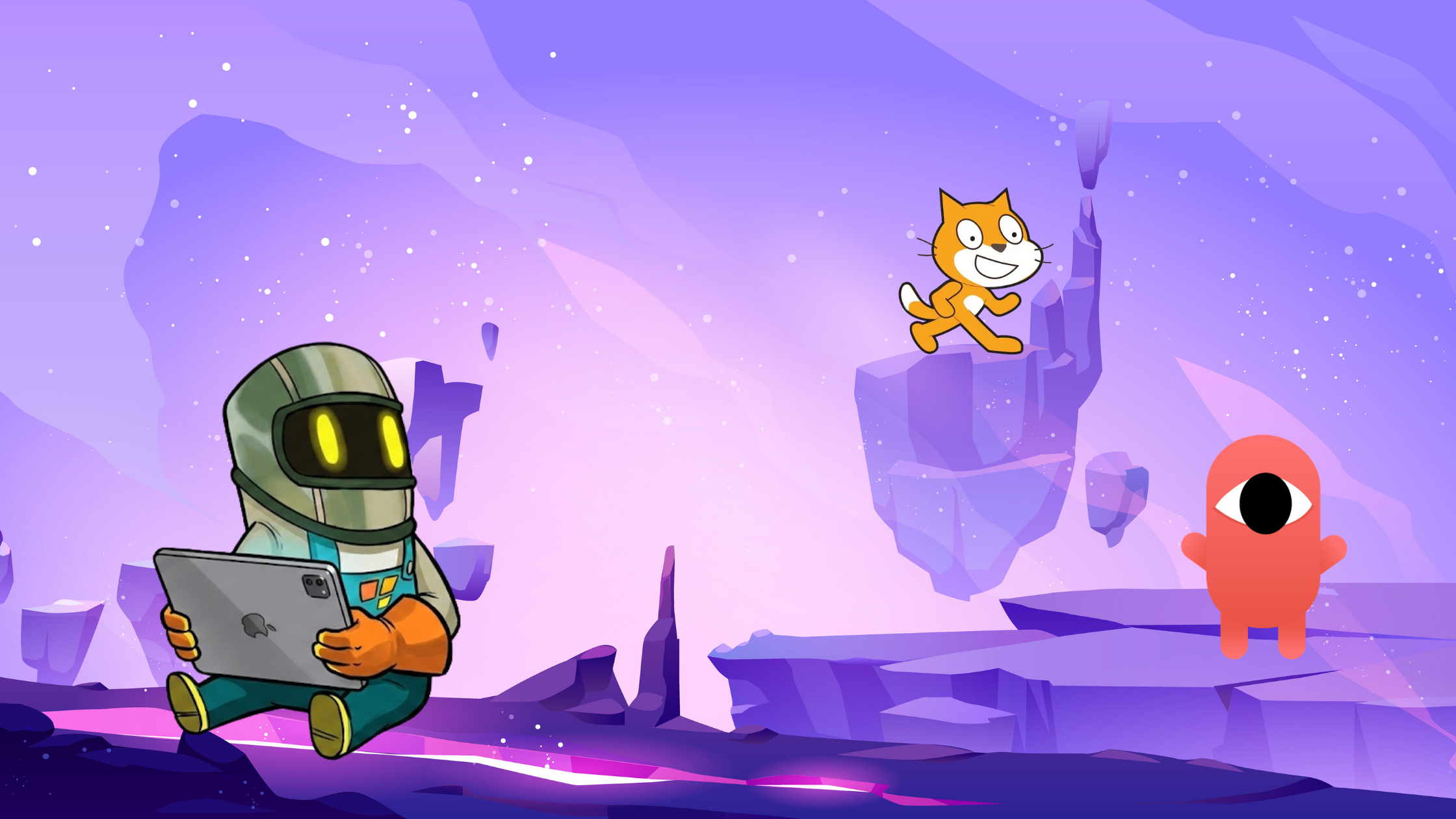
Many new creators compare hyperPad with other beginner-friendly game development tools like Scratch and GDevelop.
All three platforms help people create games without requiring deep programming knowledge, but they are designed for different workflows, devices, and creator goals.
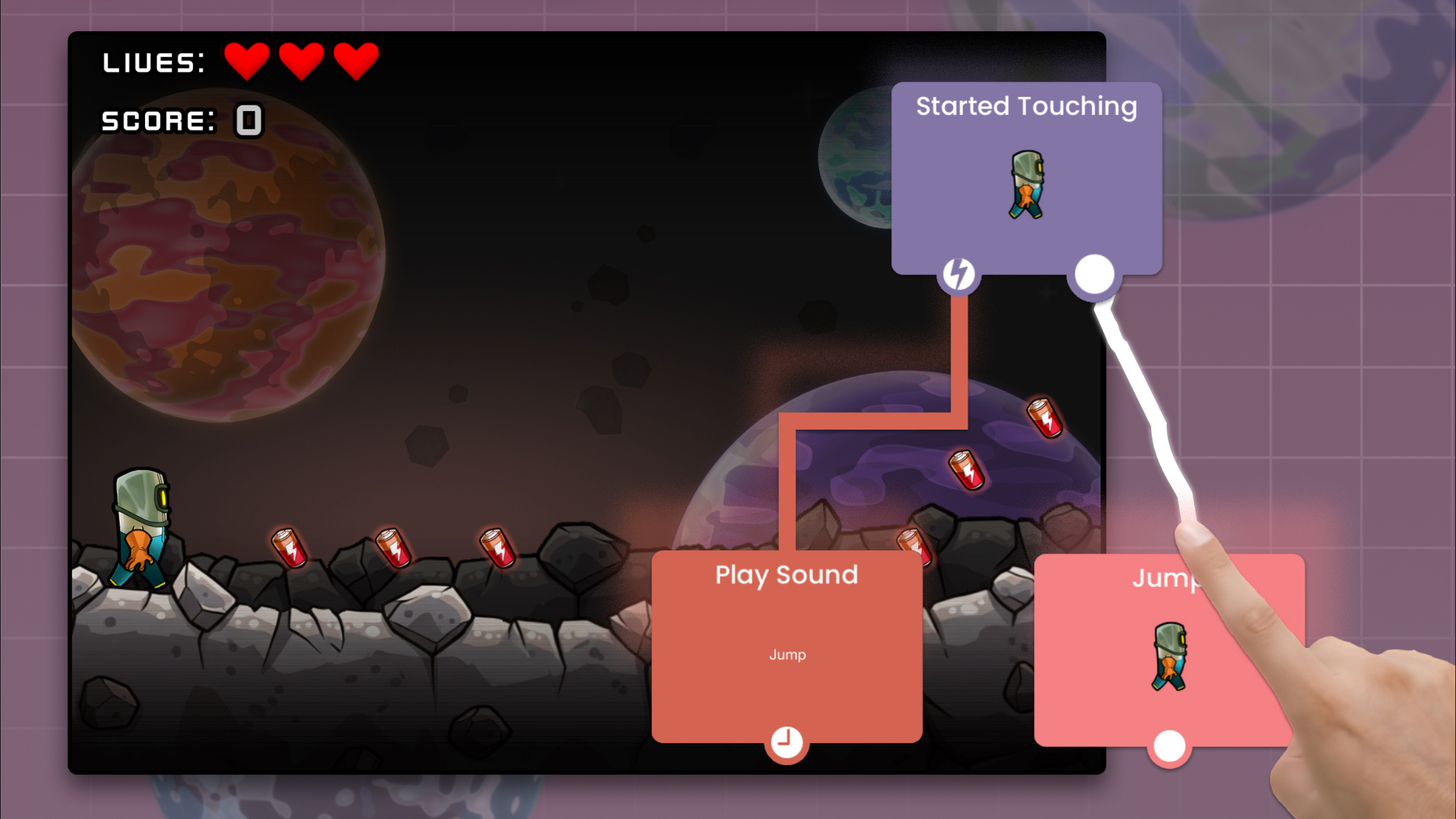
hyperPad is built specifically for iPad.
Its biggest strengths are:
hyperPad is ideal for:
Because the entire workflow is optimized around iPad interaction, development feels more immediate and accessible.
Scratch is one of the most widely used beginner programming platforms in education.
It uses block-based coding to teach programming fundamentals.
Scratch is for:
However, Scratch is generally more limited for larger game projects.
Compared with hyperPad, Scratch focuses more heavily on educational coding concepts rather than scalable game production workflows.
Scratch projects also tend to remain relatively lightweight in terms of gameplay complexity and presentation.
GDevelop is another popular no-code game engine.
Unlike hyperPad, GDevelop primarily targets desktop workflows and supports export to multiple platforms.
GDevelop offers:
GDevelop is strong for creators who eventually want more traditional desktop-style production pipelines without fully transitioning into code-heavy engines.
However, its workflow is generally less touch-focused and less optimized for iPad-native development.
The best platform depends on how you want to create.
Choose Scratch if you want:
Choose GDevelop if you want:
Choose hyperPad if you want:
For creators who specifically want to make games directly on iPad, hyperPad occupies a unique position.
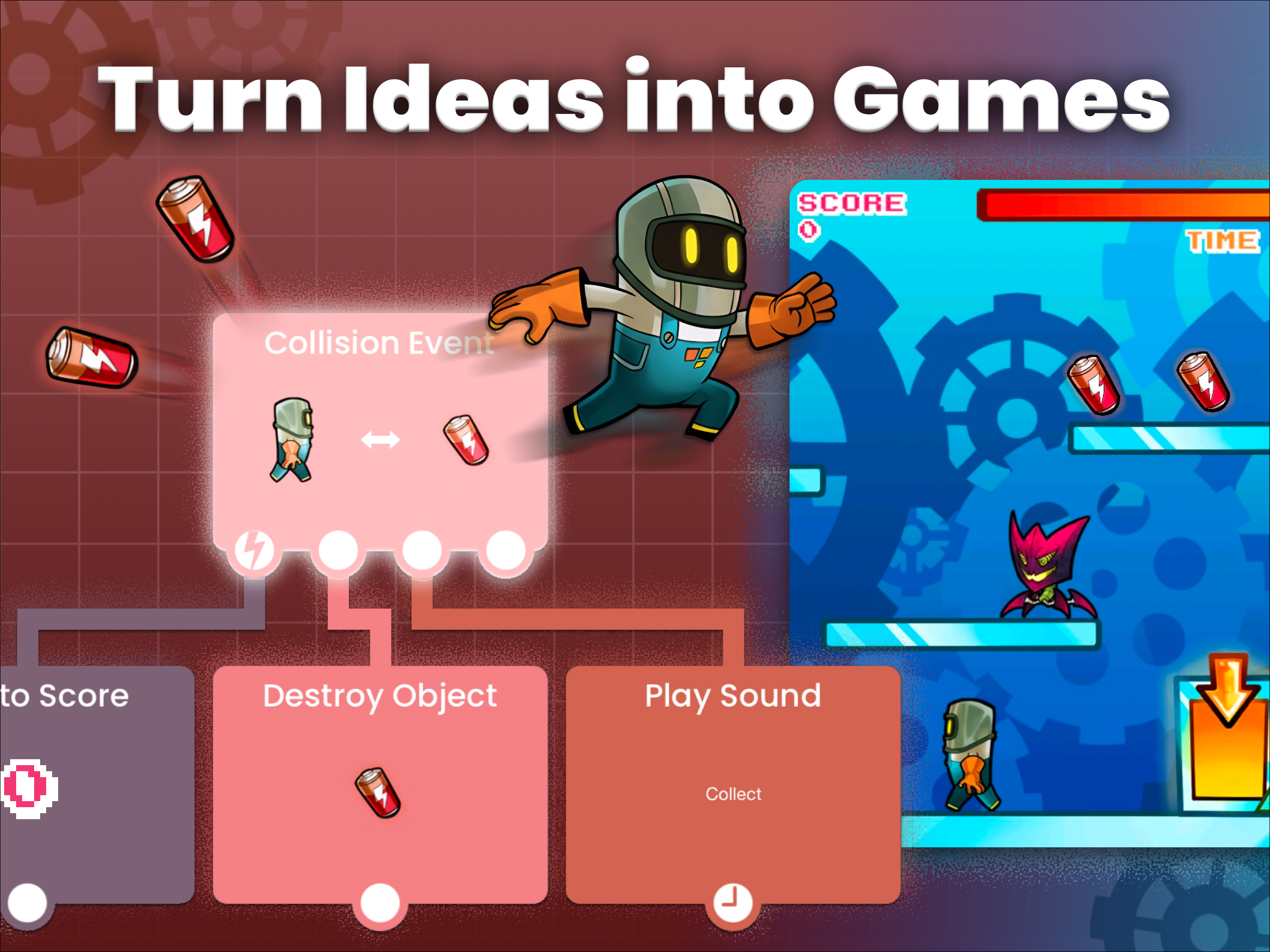
It removes much of the friction associated with traditional desktop game development while still enabling creators to build real interactive games.
If you have been curious about making games but felt intimidated by programming, complex software, or expensive hardware, this is an ideal time to start.
hyperPad provides a practical entry point into game development using a visual workflow designed specifically for iPad creators.
You can:
The best way to learn game development is by building.
Start with a small idea.
Create a basic platformer.
Experiment with a rhythm mechanic.
Build a physics sandbox.
Every completed project teaches valuable skills.
Try the hyperPad Starter version to begin experimenting with game development on iPad.
If you are ready for expanded features, advanced workflows, and full project capabilities, upgrade to the Full Version and start building larger games.
The tools are more accessible than ever. Now it is about turning ideas into playable experiences.
Be the first to hear about new blogs, updates and fun events!