

You Can Be an iOS Developer Today

Becoming an iOS developer is an exciting journey. Whether you want to make games, productivity apps, or social networks, iOS development gives you a way to bring your ideas to life and reach millions of users around the world. Here's a roadmap to get you started:
Learning the Fundamentals
1. Swift Programming Language
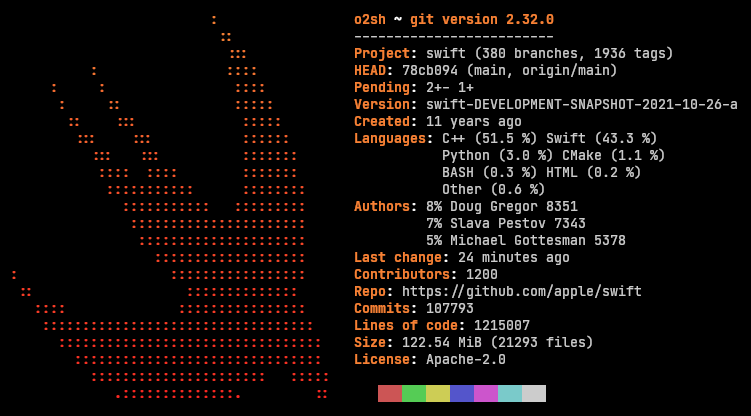
Swift is the primary programming language for iOS app development. Start by learning the fundamentals of Swift, including syntax, data types, control flow, and object-oriented programming concepts.
Recommendation: Swift Playgrounds, Udemy's "iOS 15 & Swift - The Complete iOS App Development Bootcamp".
2. iOS Development Frameworks
Get to know key iOS development frameworks like UIKit, SwiftUI (for modern UI development), Core Data (for data storage), and Core Animation (for creating engaging animations).
Recommendation: Apple's official documentation, Ray Wenderlich's iOS tutorials, Hacking with Swift website.
3. Xcode IDE
Xcode is the official Integrated Development Environment (IDE) for iOS app development. Learn how to navigate Xcode, write code, debug, and deploy your apps to devices or the App Store.
Recommendation: Official Apple documentation, YouTube tutorials, "Xcode for Beginners" courses on Udemy.
Creating Your First iOS App/Game
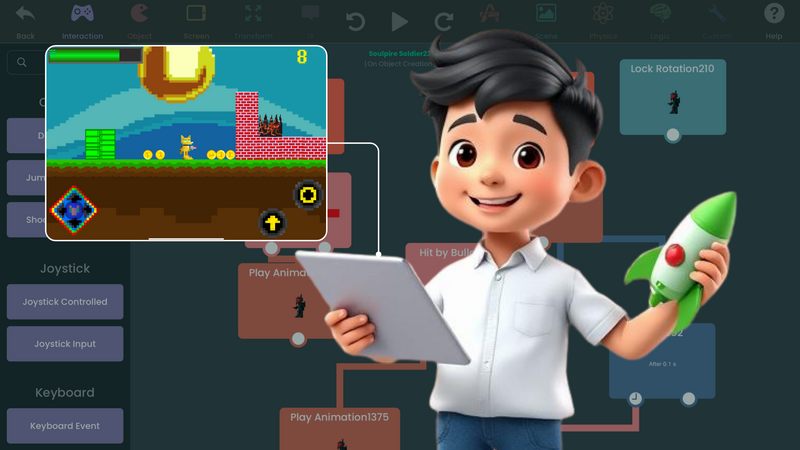
Once you understand the fundamentals, put your skills into practice by building your first iOS app or game. Tools like hyperPad let you make interactive games and apps without writing a single line of code. Start with a simple project, and add complexity as you get more comfortable with the development process.
Recommendation: Start with hyperPad tutorials and the templates freely available on our Hub to create basic games or apps. Branch an Open Source project to see how it works, then experiment with different features and mechanics to make it your own.
Developing a Diverse Skill Set
Successful iOS developers have skills beyond coding. Here are some examples:
- UI/UX Design: Understanding user interface (UI) and user experience (UX) design principles helps you create apps that are easy to use and look good. Learn how to design user-friendly interfaces, prototype interactions, and run usability tests.
Recommendation: Adobe XD, Figma, Sketch for UI/UX design tutorials and resources.
- Version Control: Knowing version control systems like Git lets you collaborate with other developers, track changes, and manage project workflows.
Recommendation: Git documentation, GitHub Learning Lab, Atlassian's Git tutorials.
- Problem-Solving Skills: As an iOS developer, you'll run into challenges and bugs along the way. Build your problem-solving skills by breaking down complex problems, researching solutions, and using debugging tools.
Recommendation: LeetCode, HackerRank, CodeSignal for practicing coding challenges. Or try hyperPad and get straight to creating!
Joining Communities and Networking
iOS developer communities are a great way to connect with like-minded people, get advice, and keep up with industry trends and technologies. In the hyperPad community, you'll find creators around the world who are helpful and fun. We also encourage you to grow your network through other outlets like:
-
GitHub: Explore open-source iOS projects, contribute to repositories, and collaborate with other developers.
-
iOS Developer Forums: Join forums like iOSDev Reddit, iOS Developer Community, or iOS Developer Slack channels to connect with fellow developers, share tips, and take part in discussions.
-
Local Meetups and Conferences: Attend iOS developer meetups, workshops, and conferences in your area to network with professionals and learn about the industry.
Follow this roadmap, and you'll have the knowledge and resources to start building apps and games for iOS. From there, keep learning and keep building. That's how you make your mark in iOS development.