Hub
Forum
Resources
Education
Join us
Blog
Download app
by
Krystal Y
This guide walks through how to get started and actually finish a playable game using hyperPad Starter, all for free.
Game development is expanding, here are the tools used to build games!
hyperPad tutorial
Here’s a clear breakdown of hyperPad Starter, hyperPad Hub, and hyperPad Full, so you can decide which version is perfect for you.
From Roblox player to independent game creator, the pathway has never been simpler.
If you’ve ever played a game and thought “I wish I could make something like this”, the good news is: you can.
This guide focuses on the design thinking and systems behind building a rhythm game, helping creators from different backgrounds turn their ideas into playable projects.
For indie developers, speed is everything. Here's how we bring you that and more.
Digital artists can now transform their artwork into interactive experiences directly on iPad!
Using hyperPad, creators can turn a simple concept into a playable prototype in just a few hours.
hyperPad Education
With the rise of visual development tools like hyperPad, educators are discovering that students can build playable games using only an iPad, no coding required.
Apple has built a Mac designed for students, creators, and developers who want power without the premium price.
Game development doesn’t have to be complicated. Beginners can make real, playable games on an iPad without writing a single line of code using hyperPad.
What used to require months of coding, debugging, and iteration can now be achieved with visual workflows and intelligent assistance, from your iPad.
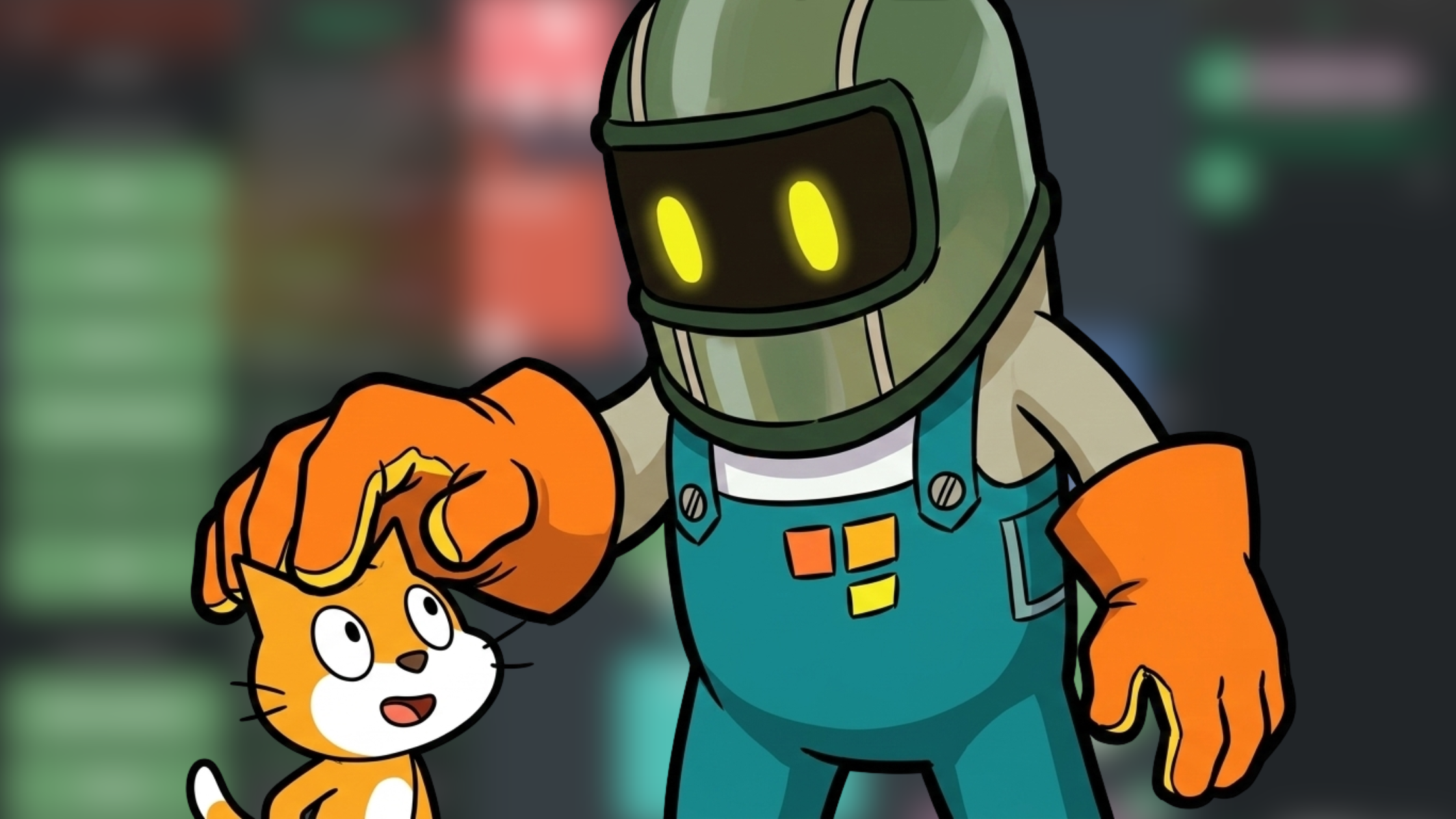
As projects grow, so do your needs. hyperPad is your next game development tool to use after growing out of Scratch.
When Apple releases new hardware like the iPad Air or the iPad Pro, the benefits are obvious but what really matters?
Be the first to hear about new blogs, updates and fun events!